
When you access EVPro for the first time, you will see this page:
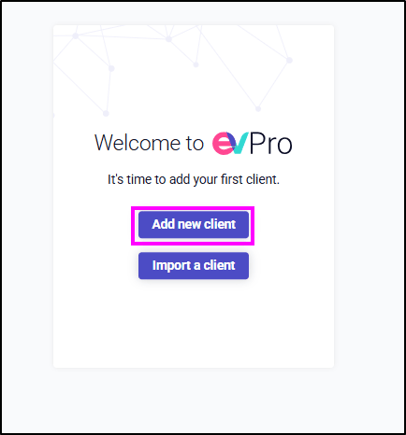
If you have already added your first client using this button, all future clients are added via this button:
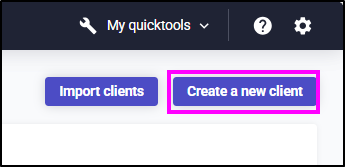
Or from here:
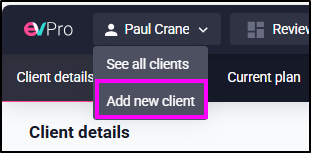
Clicking on either of these will open up this page:
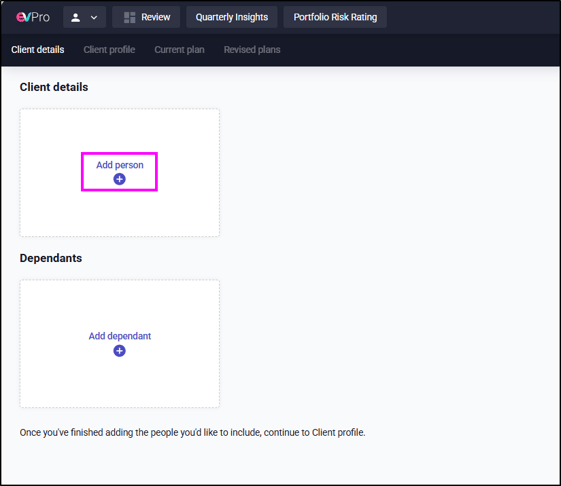
Click the 'Add person' to create a client and then complete the following fields and click 'Add person':
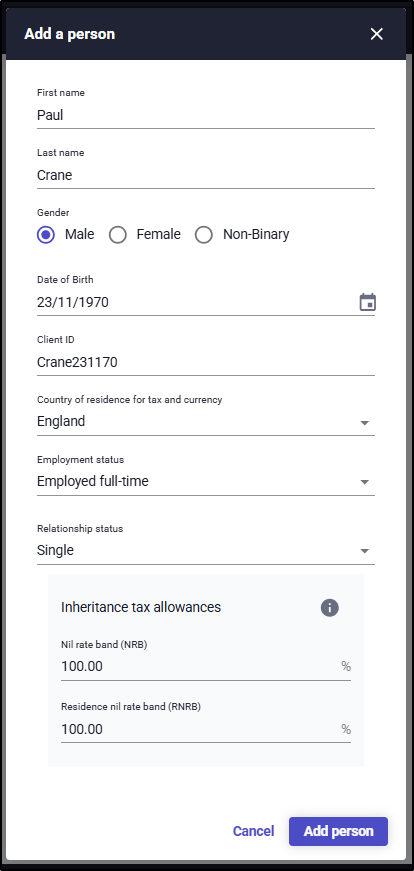
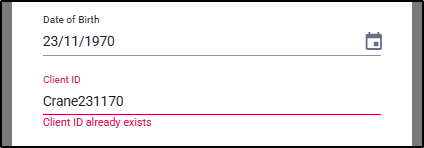
The Client ID must be a unique reference. If it has been used before in your firm, you will be informed by the field turning red once you try and move away:
The Country of residence for Tax and Currency has all four countries within the United Kingdom. Due to the different tax rules for Scotland, please ensure anyone paying tax in Scotland has the correct country chosen.
Once this client has been added, the option will then be given to add their partner:
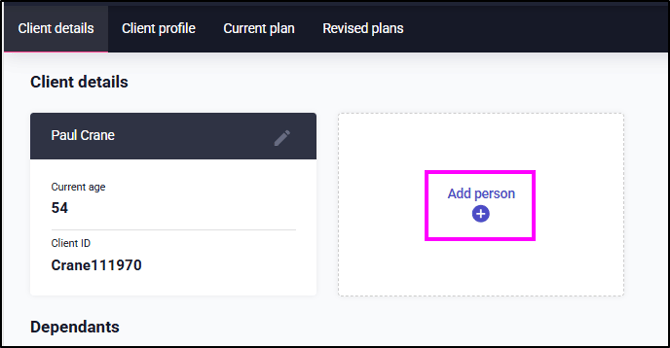
The fields needed for the partner will not include Client ID nor Country of residence for Tax and Currency. It is assumed that they will be the same as Client 1.